A simple step-by-step guide for members and visitors
O-Biz Connect works in your phone's browser. Nothing to download from the Play Store.
Tip: Works on any smartphone, tablet or computer.
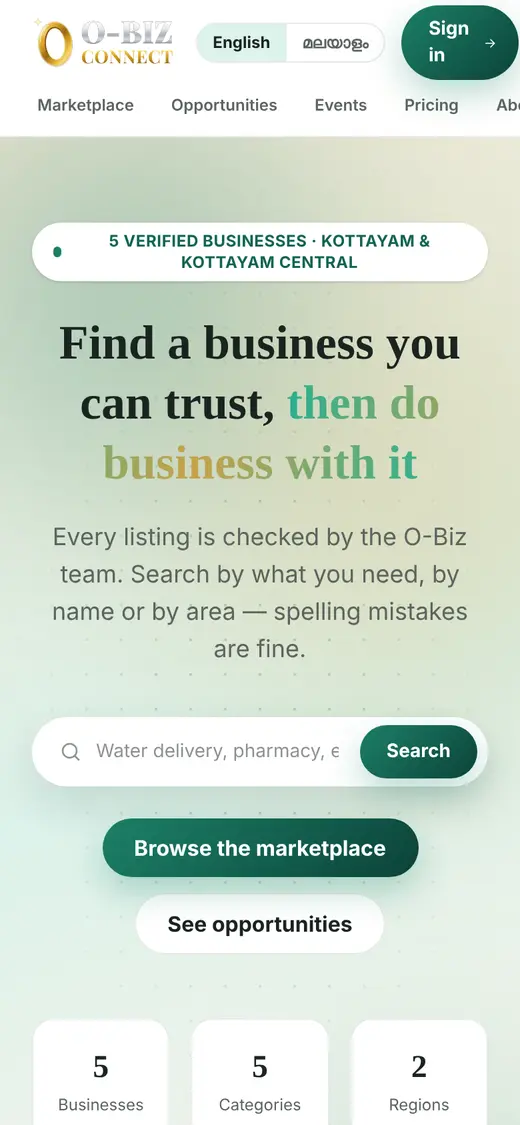
Every screen can be shown in English or Malayalam.
Tip: Business names and the details people type stay as they were written.
Every business on O-Biz Connect has been checked by the O-Biz team.
Tip: You can type a place name, like "Pampady", in the search box too.
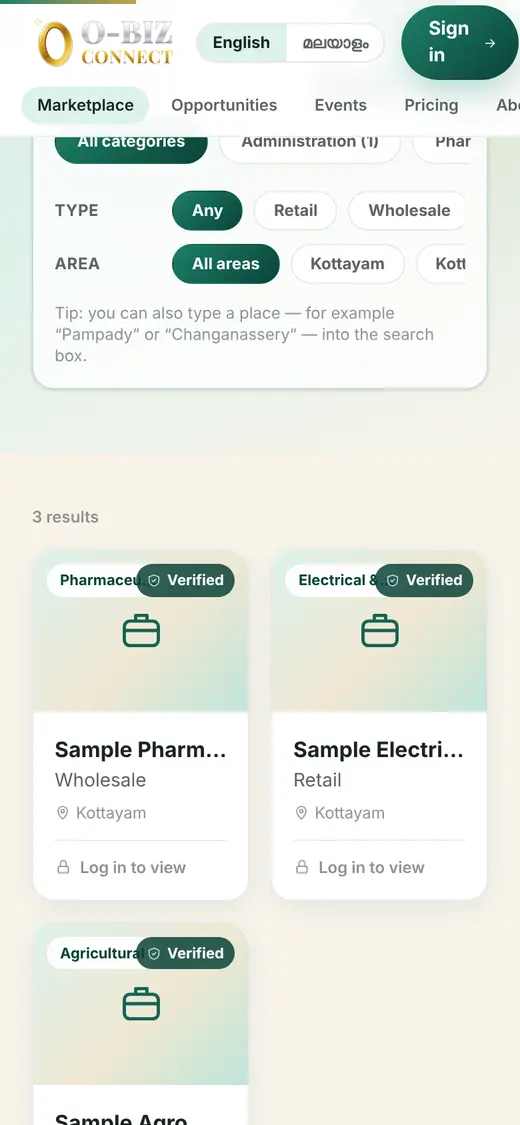
You need to sign in to see phone numbers and to contact businesses.
Tip: Only the O-Biz team can list a business. To get listed, contact us on WhatsApp.
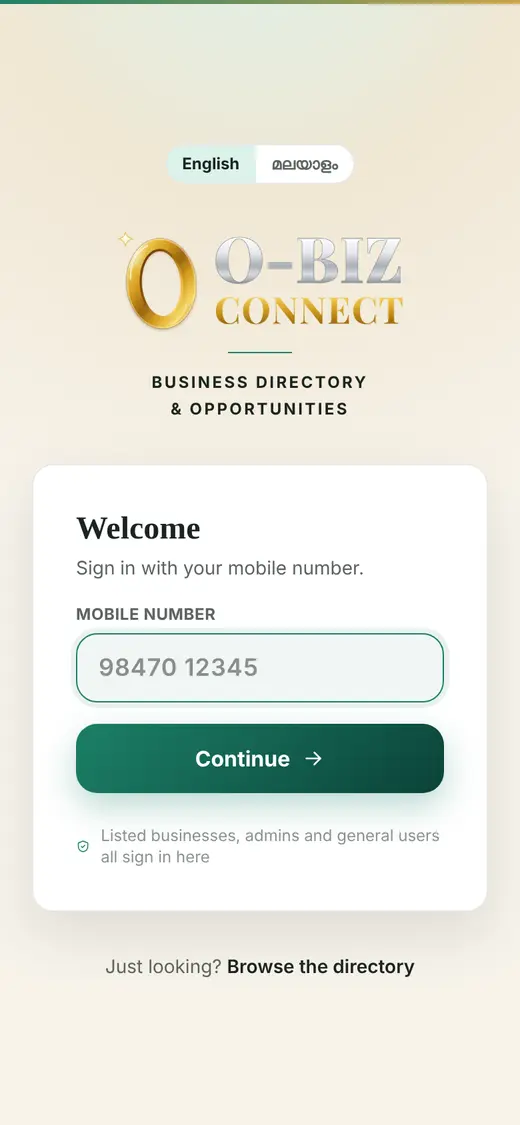
Each business page shows what they sell, where they work and how to reach them.
Tip: Say what you need, how much, and by when. You will get a faster, better reply.
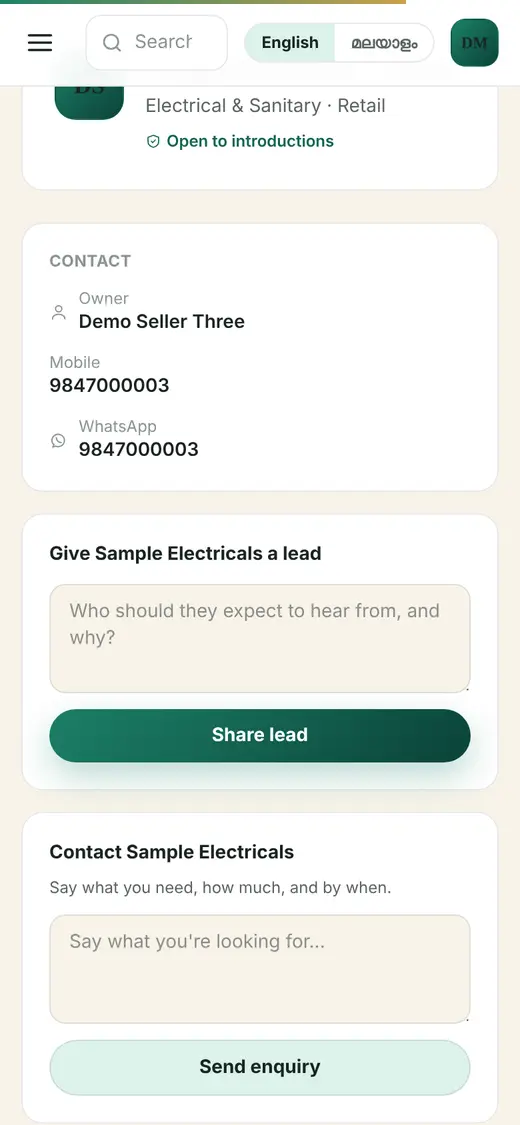
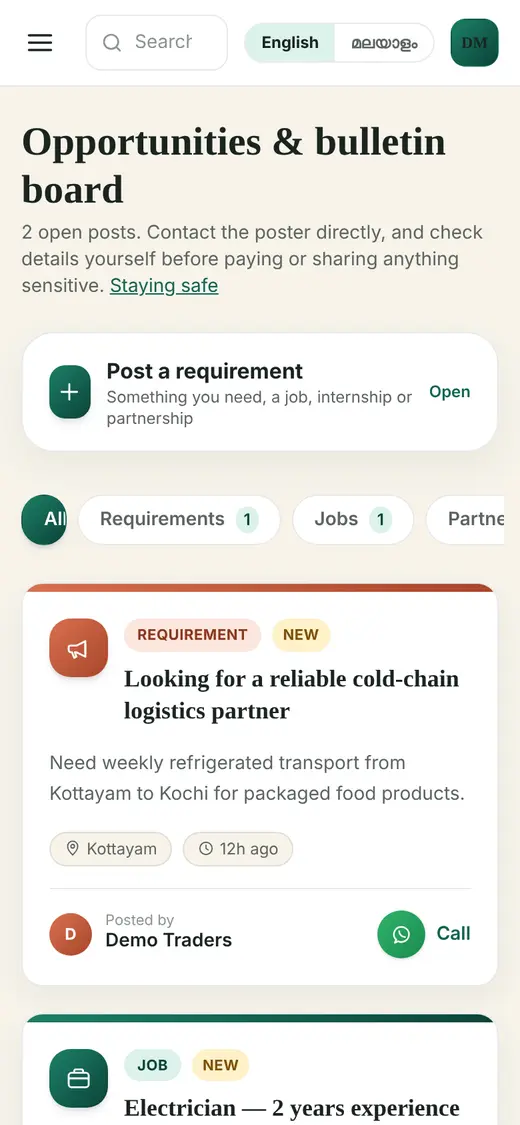
A notice board for jobs, partnerships and requirements.
Tip: Read the "Staying safe" note before paying anyone you meet through a post.
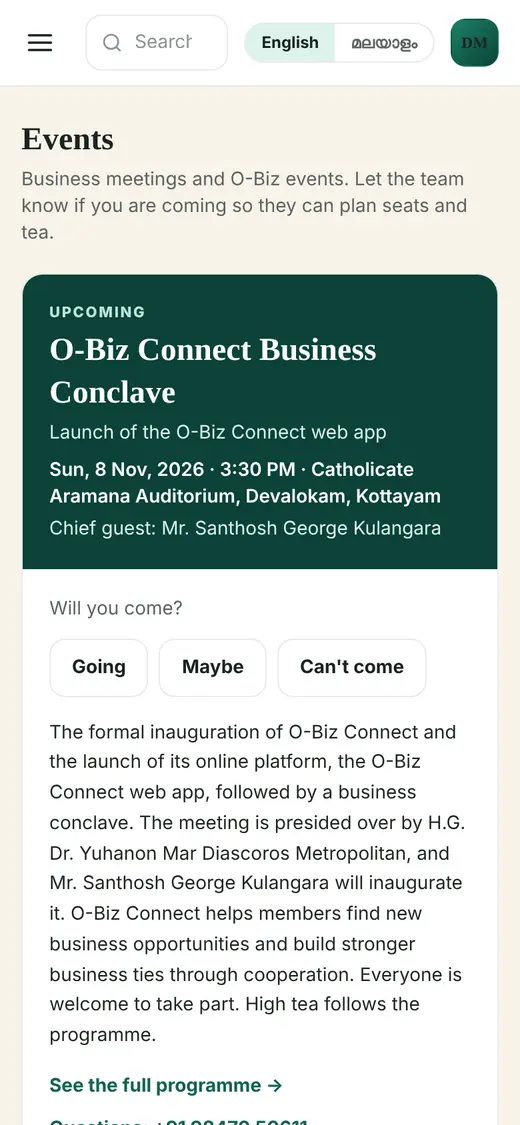
See O-Biz events and meetings and tell the team if you are coming.
Tip: Your reply helps the team plan seats and tea.
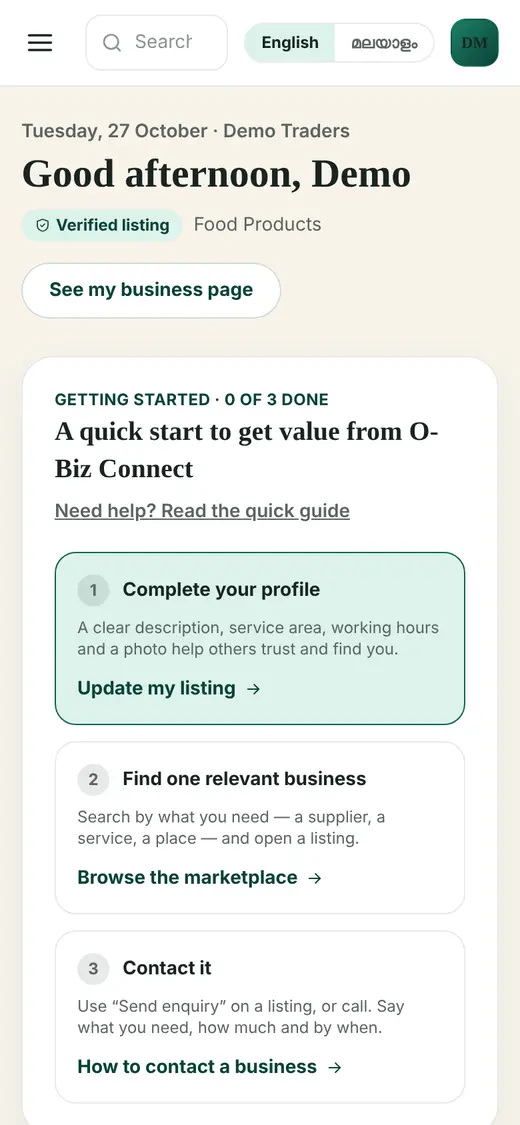
After you sign in, Home shows what needs your attention today.
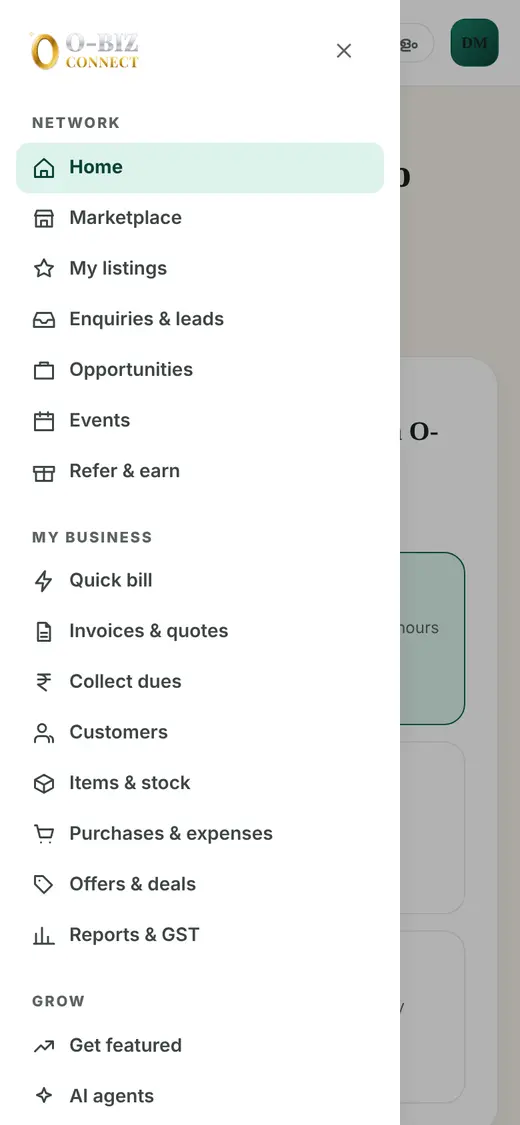
Tip: On a phone, tap the ☰ menu at the top left to see every section.
Everything is grouped in four parts so it is easy to find.
Tip: Admins also see an Admin button to open the admin portal.
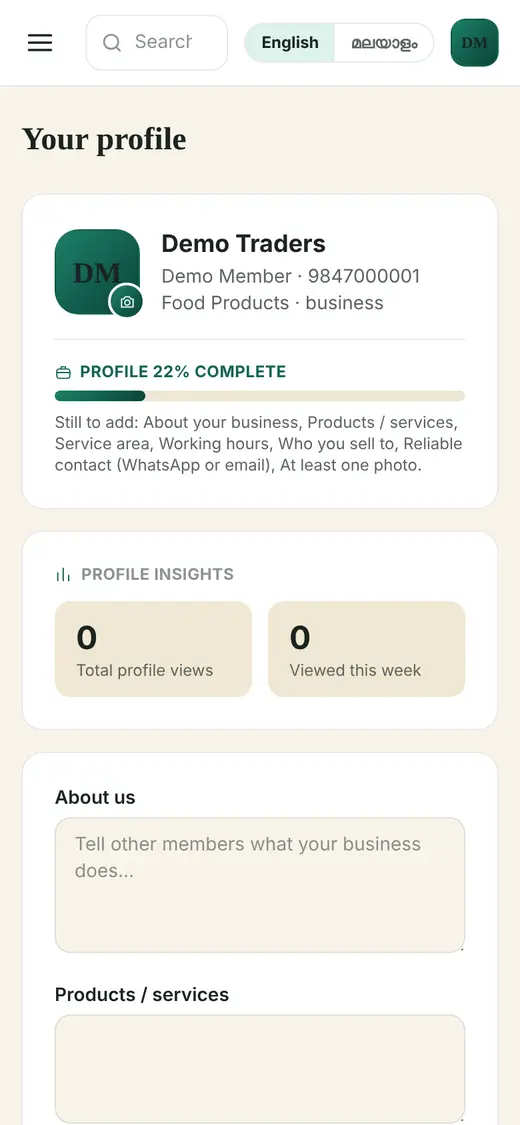
A complete listing with photos brings more enquiries.
Tip: The progress bar shows what is still missing.
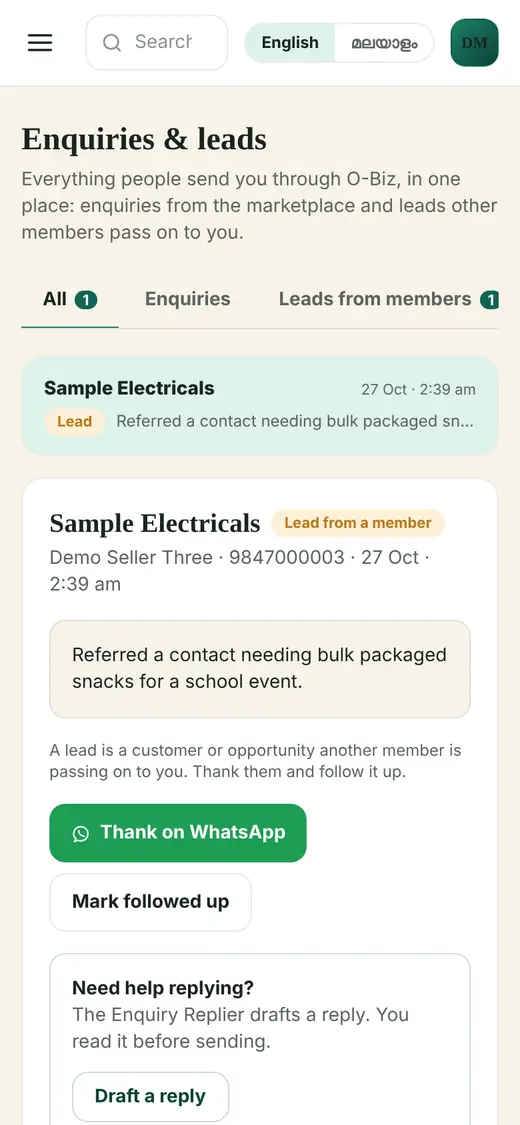
Enquiries from customers and leads from other members arrive in one inbox.
Tip: On the Business plan, "Draft a reply" writes the reply for you to check.
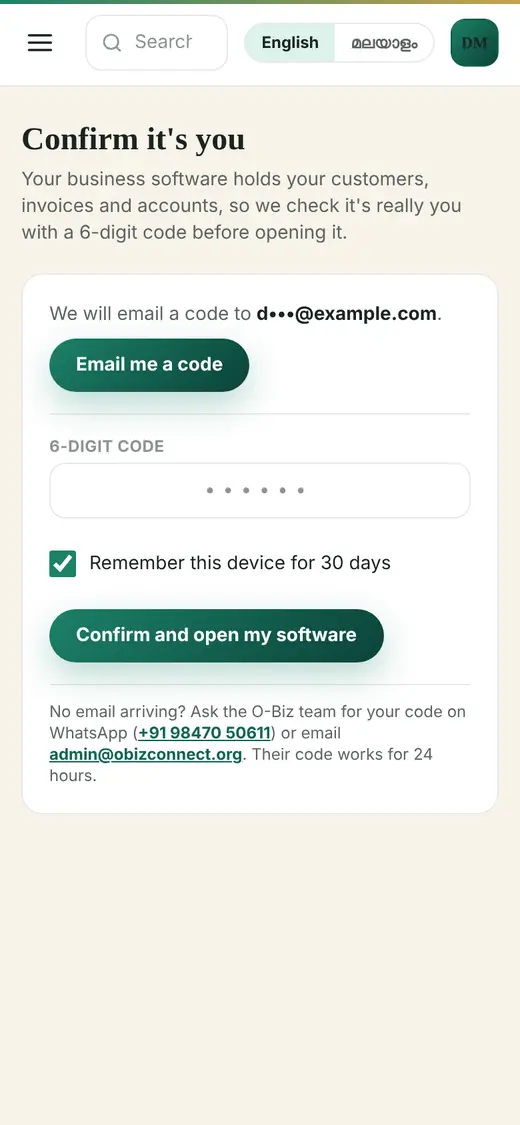
Your bills and accounts are private, so O-Biz checks it is really you first.
Tip: No email on your account? WhatsApp the team on +91 98470 50611 for a code.
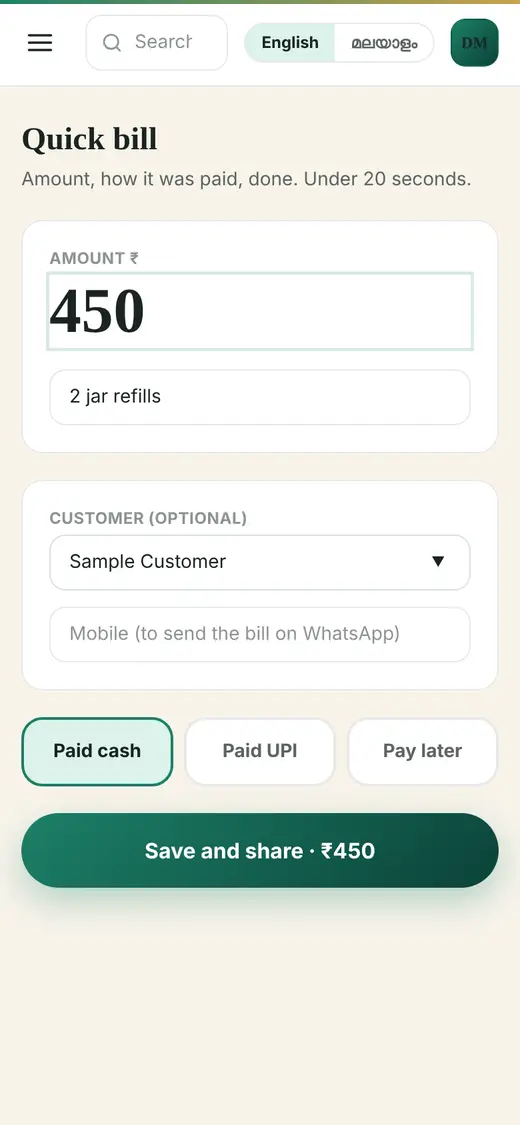
For counter sales: amount, how it was paid, done.
Tip: "Pay later" bills show up in Collect dues so you never forget them.
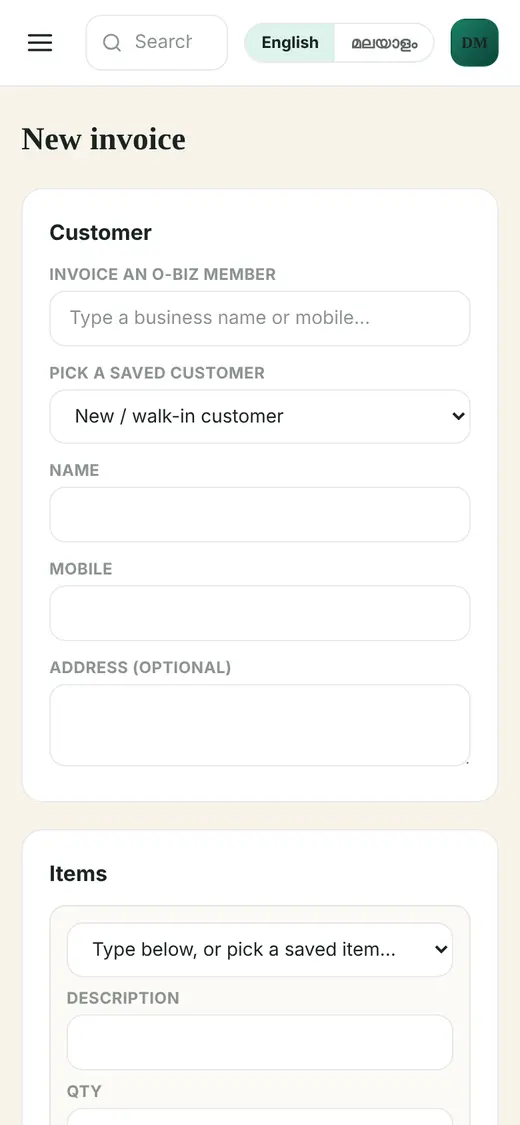
Proper GST invoices and quotations, ready to share.
Tip: Invoices to other O-Biz members appear in their Purchases too.
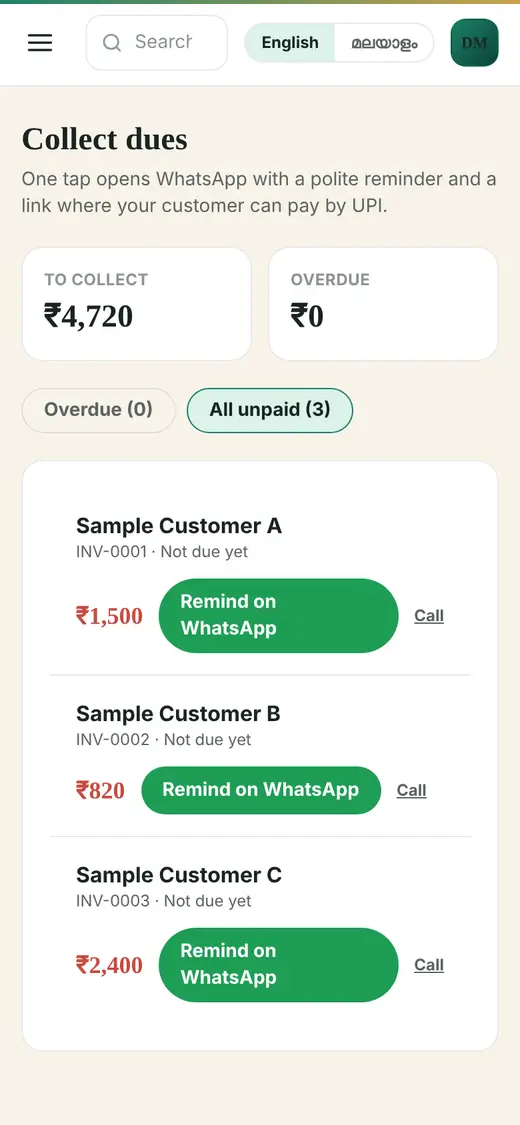
See who owes you and remind them politely.
Tip: On the Business plan, the Dues Reminder helper drafts all reminders at once.
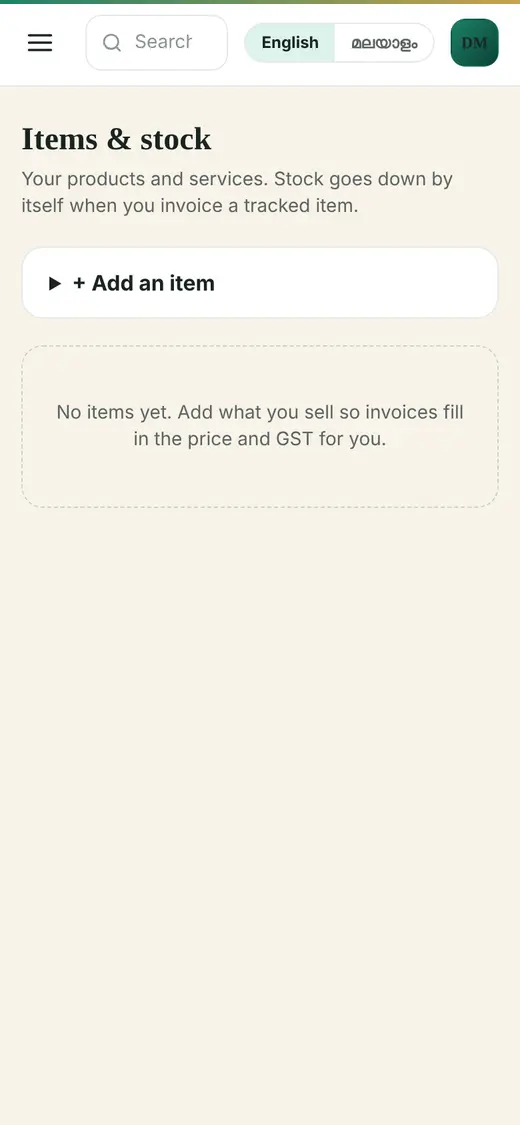
Keep your products, stock and spending in one place.
Tip: The Catalogue Assistant can write a product description and suggest the HSN code and GST rate.
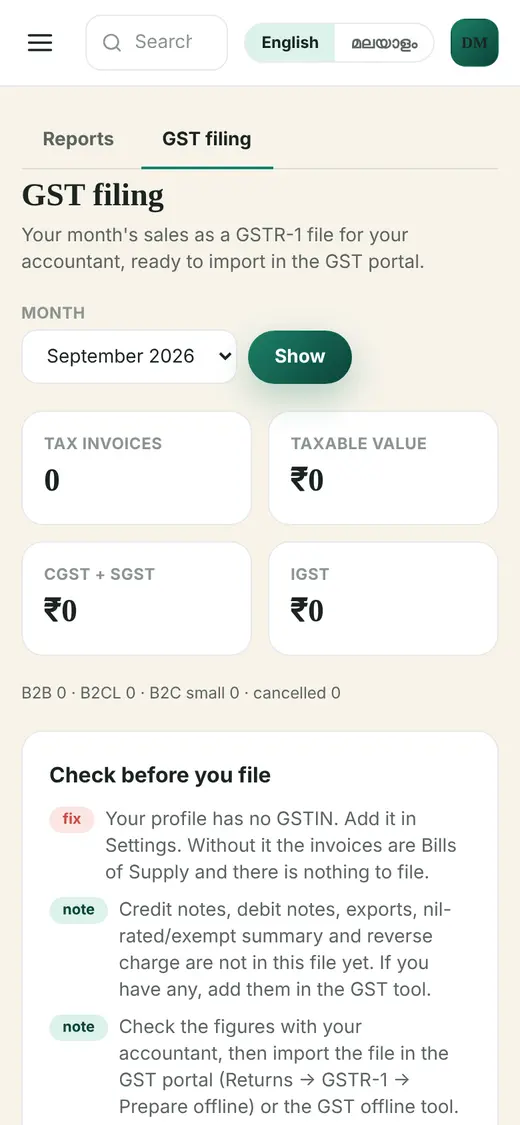
Your month in numbers, and the GST file for your accountant.
Tip: GSTR-1 download and the CA email are part of Pro and Business.
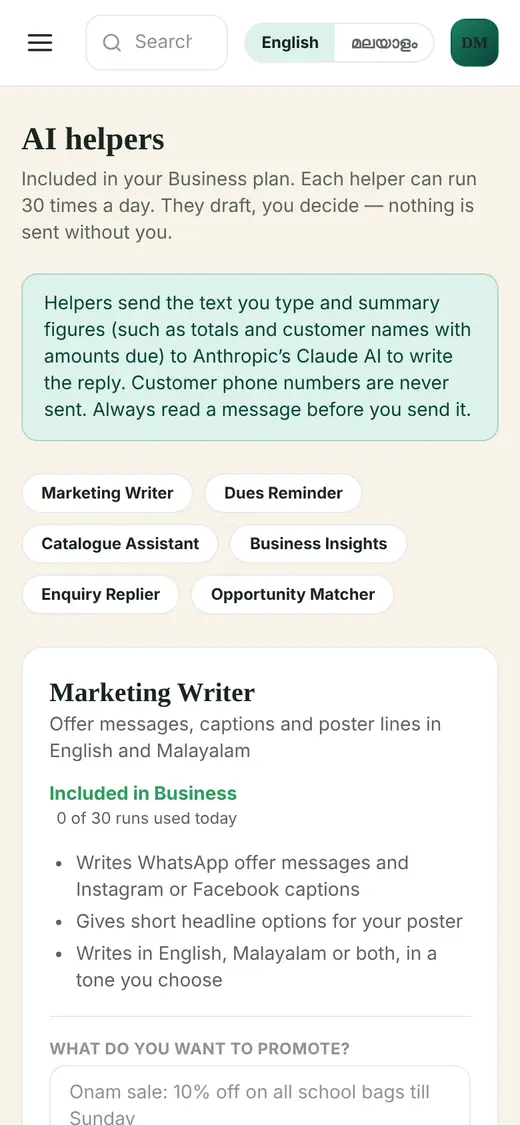
Six helpers that do the writing. They draft, you decide. Nothing is sent without you.
Tip: AI helpers are included in the Business plan. Each can run 30 times a day.
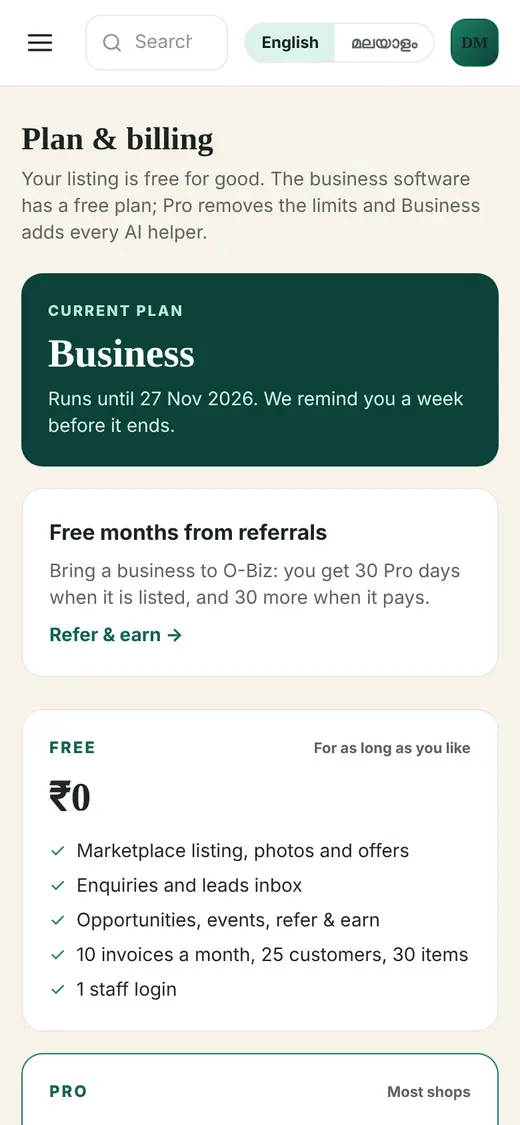
Start free. Upgrade only when you need more.
Tip: If you stop paying you go back to Free. Your bills and data stay.
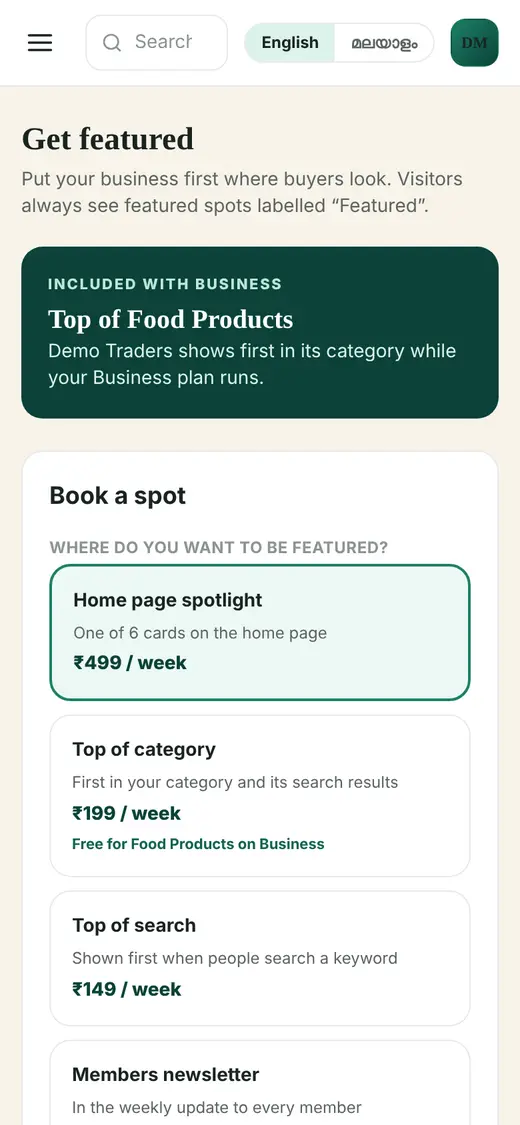
Put your business first where buyers look. Featured spots are always labelled "Featured".
Tip: On the Business plan, Top of your main category is included free.
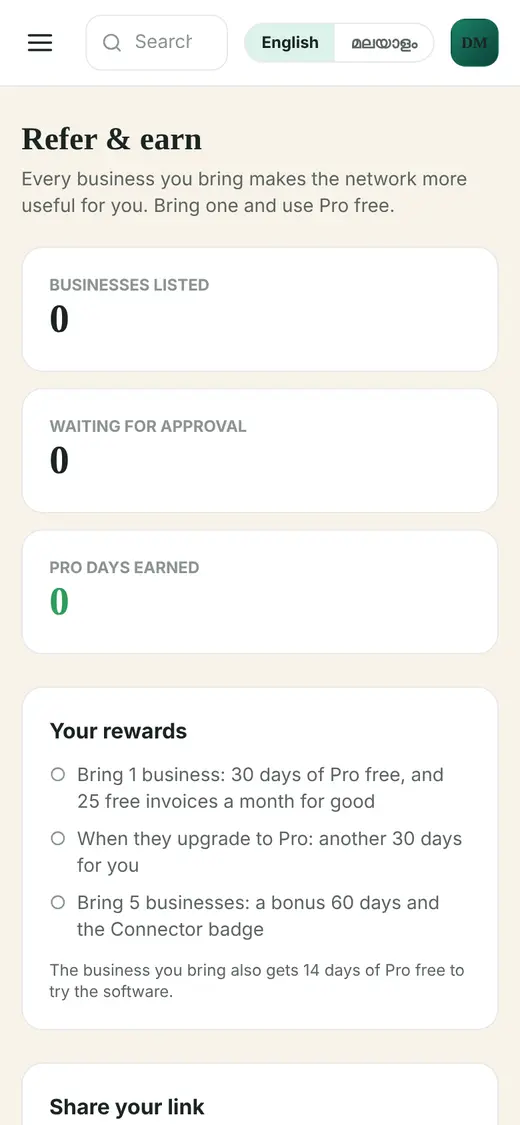
Bring a business you trust and get Pro free.
Tip: You can earn up to 365 free days in total.
Let a billing clerk make bills without seeing your profit, reports, settings or plan.
Tip: Free: 1 staff login. Pro: 5. Business: 10.
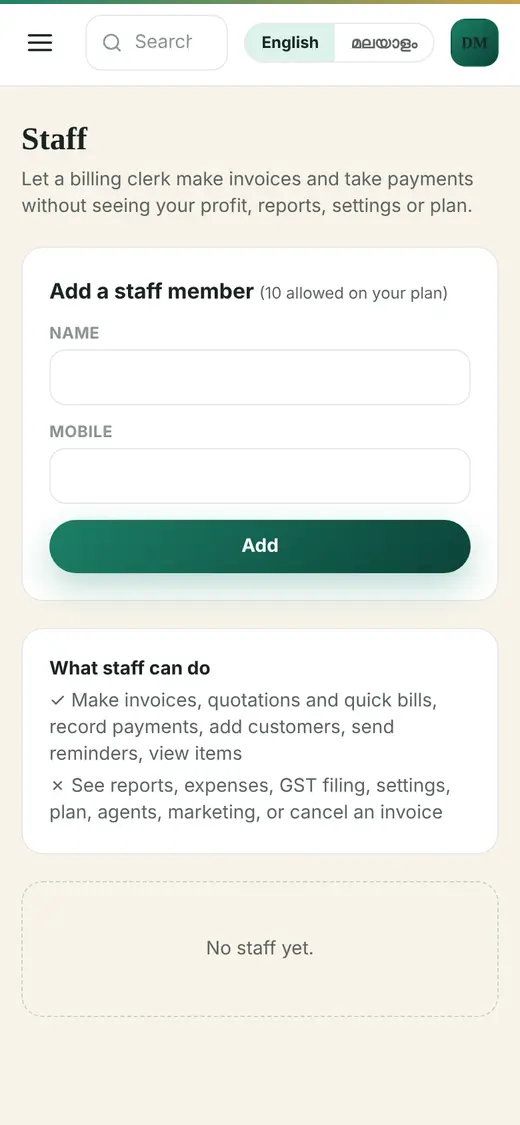
Screens show sample data.
WhatsApp the O-Biz team on +91 98470 50611 or email admin@obizconnect.org. We are happy to help you set up.